
Products
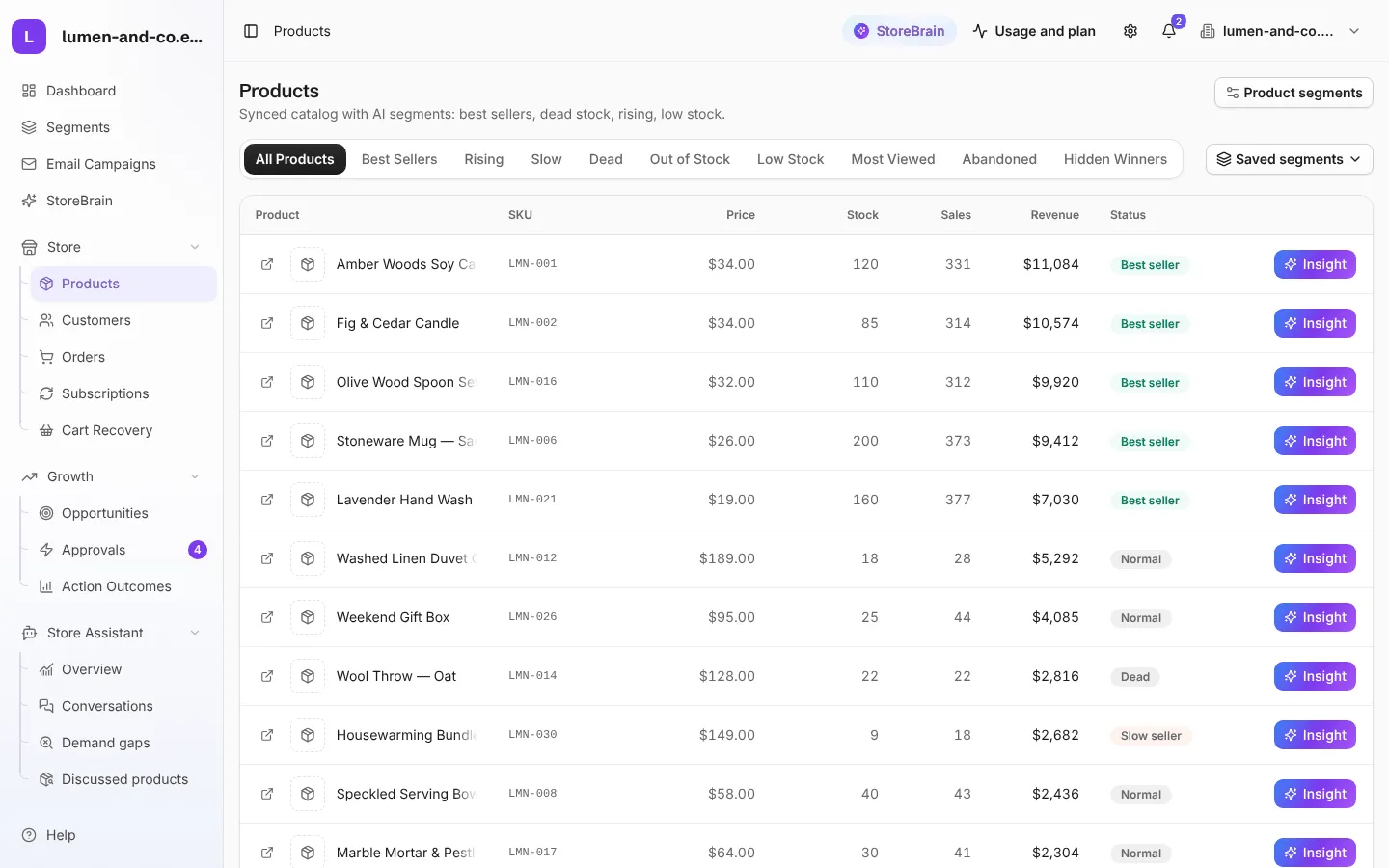
Store → Products lists every product synced from WooCommerce, with its price, stock, units sold, revenue and segment.
Product segments
Section titled “Product segments”Each product gets one segment, calculated from its own sales in the last 90 days. The tabs at the top filter the list by segment.
| Segment | Meaning (default rules) |
|---|---|
| Best seller | Sold 20 or more units in the last 90 days. |
| Rising (trending) | Sold at least 5 units, and at least 3 times as many as in the 90 days before. |
| Slow | Sold only a few units (3 or fewer) in the last 90 days. |
| Dead | No sales in 90 days while it still has stock. |
| Low stock | 5 or fewer units left. |
| Out of stock | No stock left. |
| Normal | Sells steadily; nothing to flag. |
Two more views are calculated live from product views:
- Most viewed: the products shoppers look at most.
- Hidden winners: products that sell well to the few people who see them, but that almost nobody sees. They usually need more visibility, not a discount.
Abandoned lists products that are often left in carts.
What you can do on this page
Section titled “What you can do on this page”- Insight: opens a short explanation of the product’s segment: what it is, what to do about it, and the figures behind it (sales, stock, views). No AI is used here.
- Open in WooCommerce: the arrow icon on each row opens the product in your store’s admin.
- Saved segments: filter the list by one of your custom segments.
- Product segments: jump to the product segments in Segments.