
Billing and plans
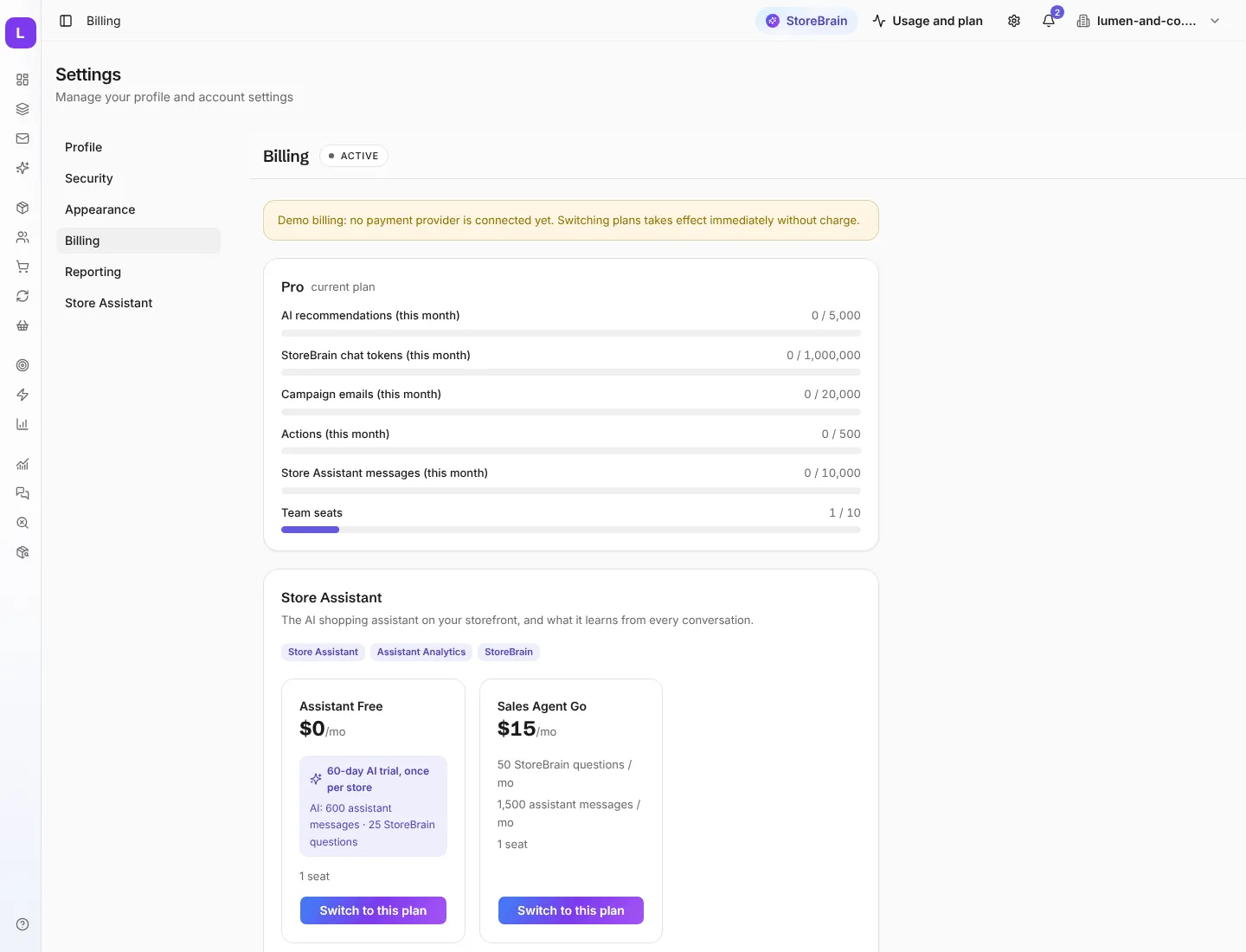
Settings → Billing (also My plan in the store menu) shows your plan, how much of this month’s allowance you have used, and the plans you can switch to. Each workspace (each store) has its own plan.
Two products
Section titled “Two products”MerQio comes as two products:
| Full MerQio | Store Assistant | |
|---|---|---|
| Who it talks to | You, about your store | Your shoppers, on your storefront |
| What you get | Everything: products, customers, orders, subscriptions, cart recovery, segments, StoreBrain, actions, campaigns, Action Outcomes, and the Store Assistant | The storefront assistant, Assistant Analytics, and StoreBrain for the assistant’s own data |
Higher plans give you more volume (more AI suggestions, messages and emails). They do not hide screens from you.
Usage this month
Section titled “Usage this month”The plan card shows each allowance and how much you have used:
- AI recommendations: AI suggestions from segments and planning
- StoreBrain chat tokens
- Campaign emails
- Actions applied to your store
- Store Assistant messages
- Team seats
The same figures are one click away from Usage and plan at the top of every page.
Change your plan
Section titled “Change your plan”Press Switch to this plan on the plan you want. Payment is handled securely by our payment provider, and the new plan applies as soon as the payment is confirmed. The Store Assistant’s free plan includes a one-time AI trial for each store.