
Create your account
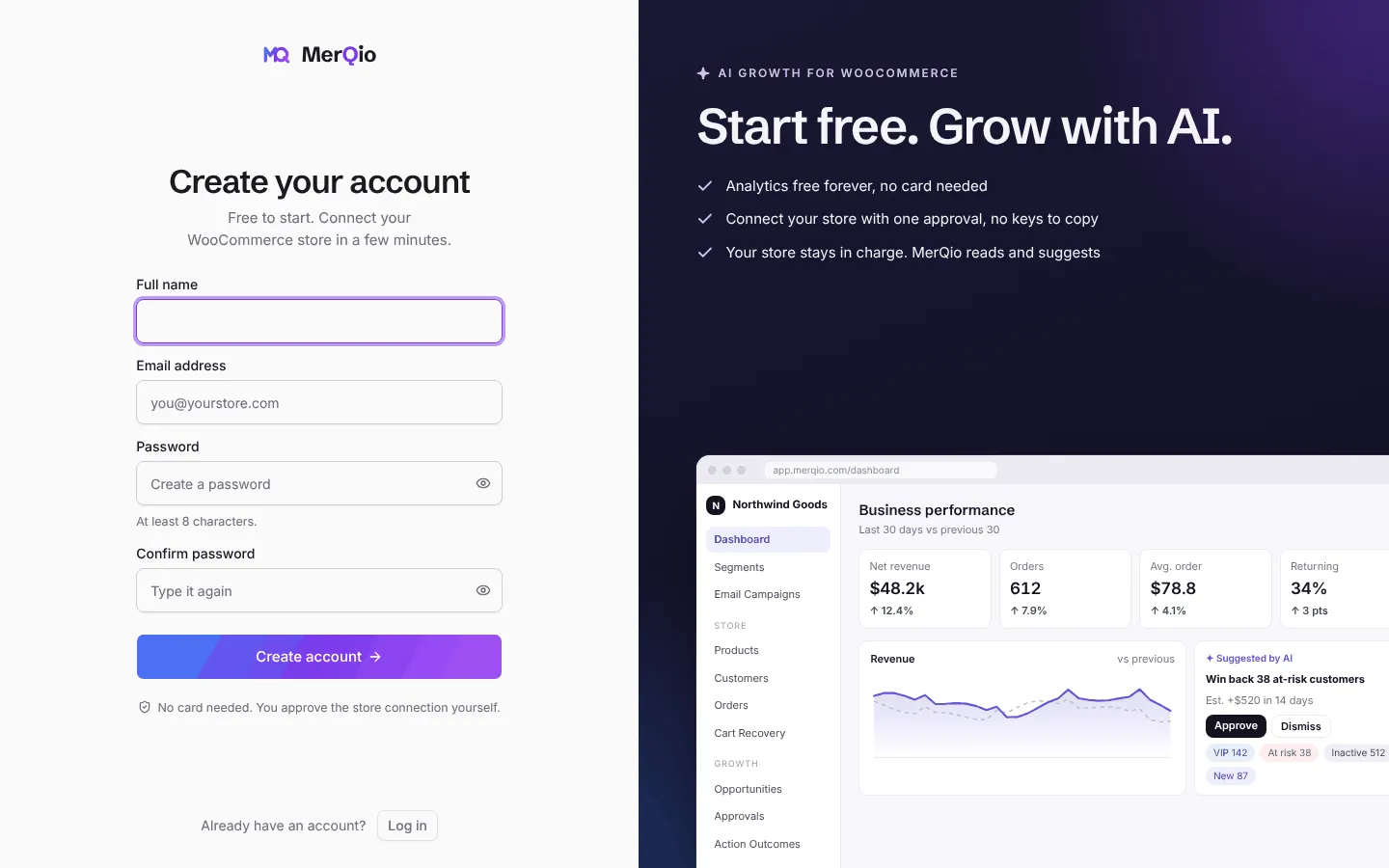
- Open the MerQio sign-up page and press Create account.
- Enter your full name, email address and a password (at least 8 characters), then type the password again to confirm it.
- Press Create account. No card is needed to start.
- Check your inbox for the confirmation email and open the link. The link is valid for 30 minutes. If it has expired, sign in and ask for a new one.
- You are now signed in. Next, connect your store.
Signing in
Section titled “Signing in”
Sign in with your email and password. You can also sign in with a passkey once you have added one in Settings → Security. Tick Keep me logged in on a private computer to stay signed in.