
StoreBrain
StoreBrain is an AI analyst for your store. Ask a question in plain words, and it answers from your own synced data: products, customers, orders, carts and subscriptions.
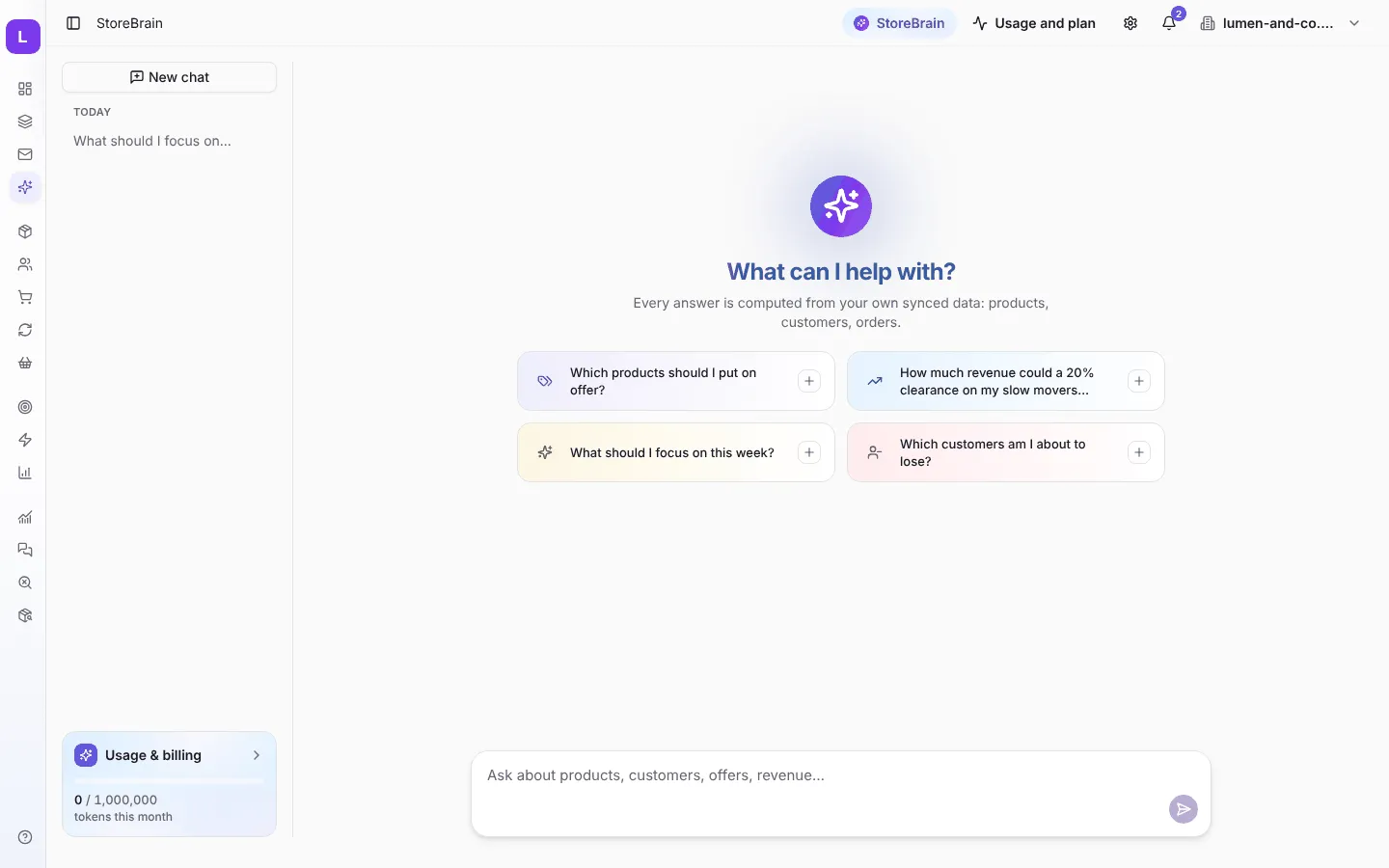
Open it from StoreBrain in the sidebar, or the StoreBrain button at the top of every page.
Ask a question
Section titled “Ask a question”Type your question in the box at the bottom, or pick one of the suggested questions:
- Which products should I put on offer?
- How much revenue could a 20% clearance on my slow movers bring?
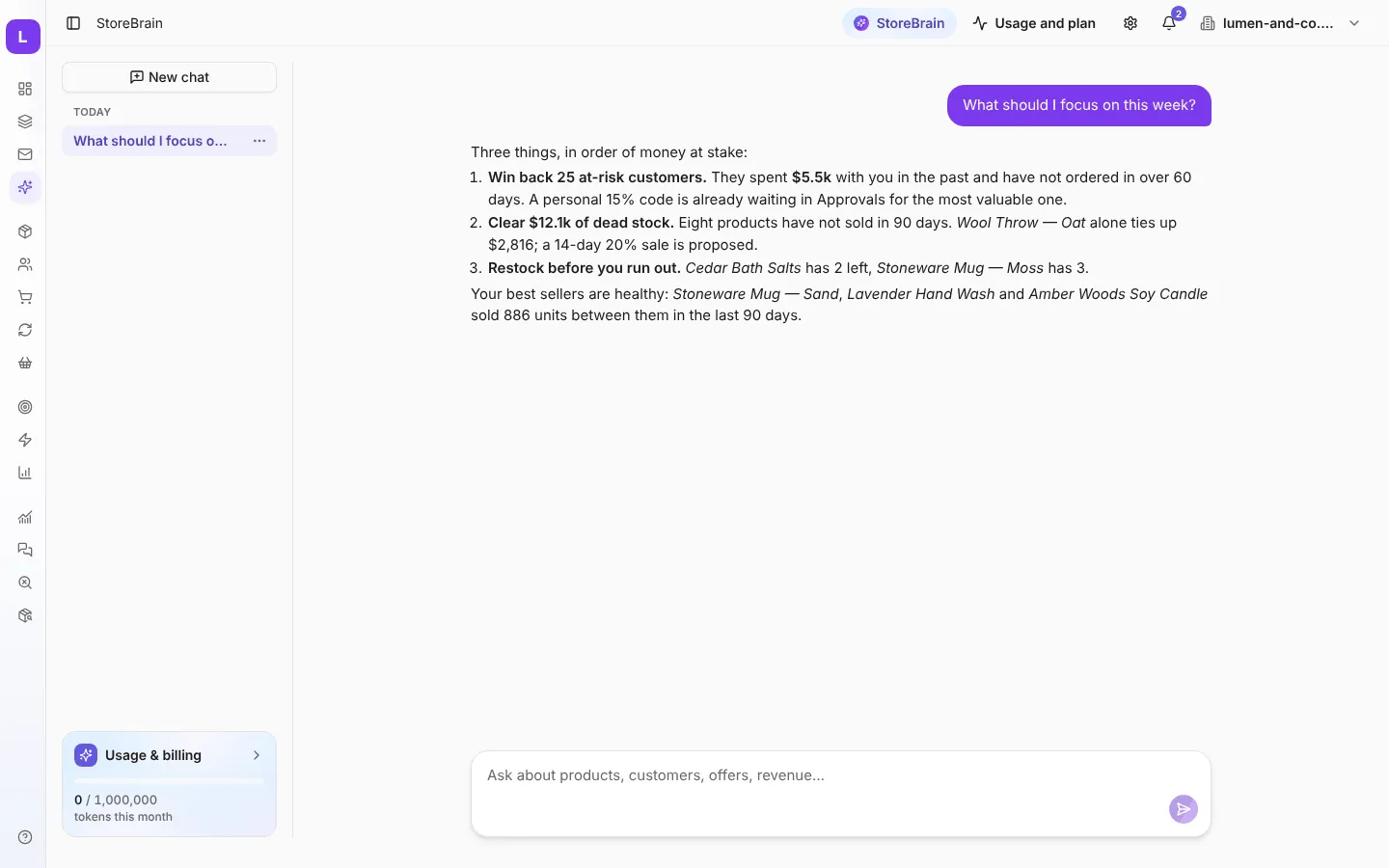
- What should I focus on this week?
- Which customers am I about to lose?
StoreBrain looks up the figures it needs, using a set of read-only analysis tools (top products, slow movers, stock runway, customer segments, abandoned carts and more). You can watch it work while the answer streams in. Answers can include charts.
From answer to action
Section titled “From answer to action”When an answer points to something worth doing, StoreBrain can propose an action, for example a sale price or a personal coupon. The proposal goes to Approvals, the same place as every other proposal, and nothing happens until you approve it.
Estimates are ranges, not promises
Section titled “Estimates are ranges, not promises”When you ask “what would happen if…”, StoreBrain uses a fixed calculation based on your own order history. It answers with a low–high range, the assumptions it made, and how confident it is. It will not guess at things it cannot see, such as ad spend, new traffic or seasons.
Conversations and usage
Section titled “Conversations and usage”- Your conversations are saved in the list on the left. Press New chat to start again.
- StoreBrain uses your plan’s monthly StoreBrain tokens. The Usage & billing box at the bottom left shows how many you have used this month.