
Customers
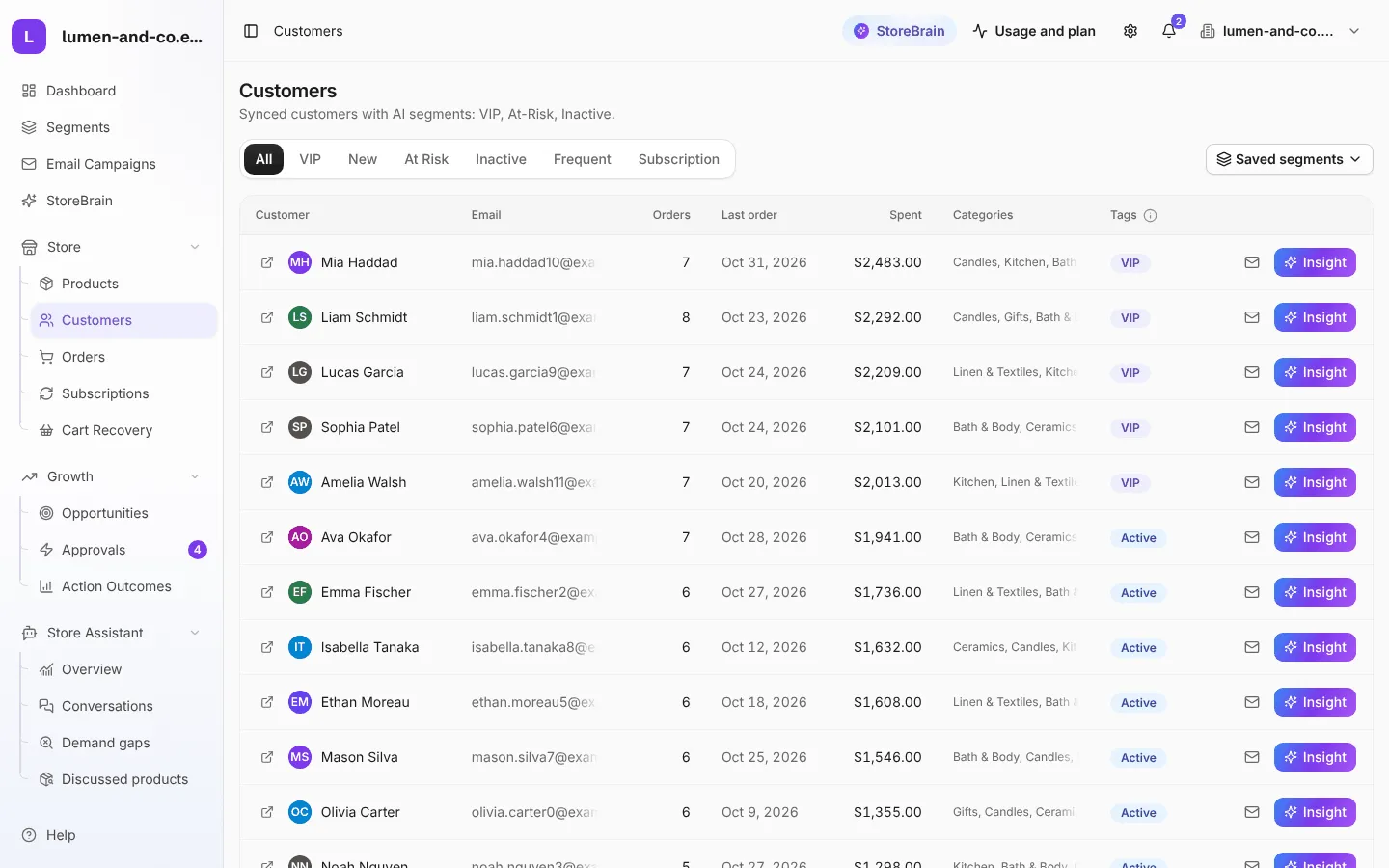
Store → Customers lists your customers with their number of orders, last order date, total spend, favourite categories and segment.
Customer segments
Section titled “Customer segments”| Segment | Meaning (default rules) |
|---|---|
| VIP | Spent $2,000 or more over at least 3 orders in the last 90 days. |
| Active | Ordered within the last 60 days. |
| At risk | Last order was between 60 and 120 days ago. |
| Inactive | No order for 120 days or more, or never ordered. |
| New | Registered in the last 7 days. |
| Frequent | Placed 5 or more orders. |
| Subscription | Has a subscription (WooCommerce Subscriptions stores). |
The amounts and days above are the defaults. Change them in Segments to fit your store. A VIP only drops out when their spend falls below a lower bar ($1,500), so customers do not flicker between segments.
What you can do on this page
Section titled “What you can do on this page”- Insight: opens a short explanation of the customer’s segment: who they are, what to do next, and the figures behind it (orders, spend, last order). No AI is used here.
- Email icon: start a direct email to this customer in Email Campaigns.
- Saved segments: filter by one of your custom segments.
Common uses
Section titled “Common uses”- See who crossed into At risk this week, before they are gone for good.
- Find your VIPs and thank them.
- Build a win-back campaign for At risk customers.