
Orders
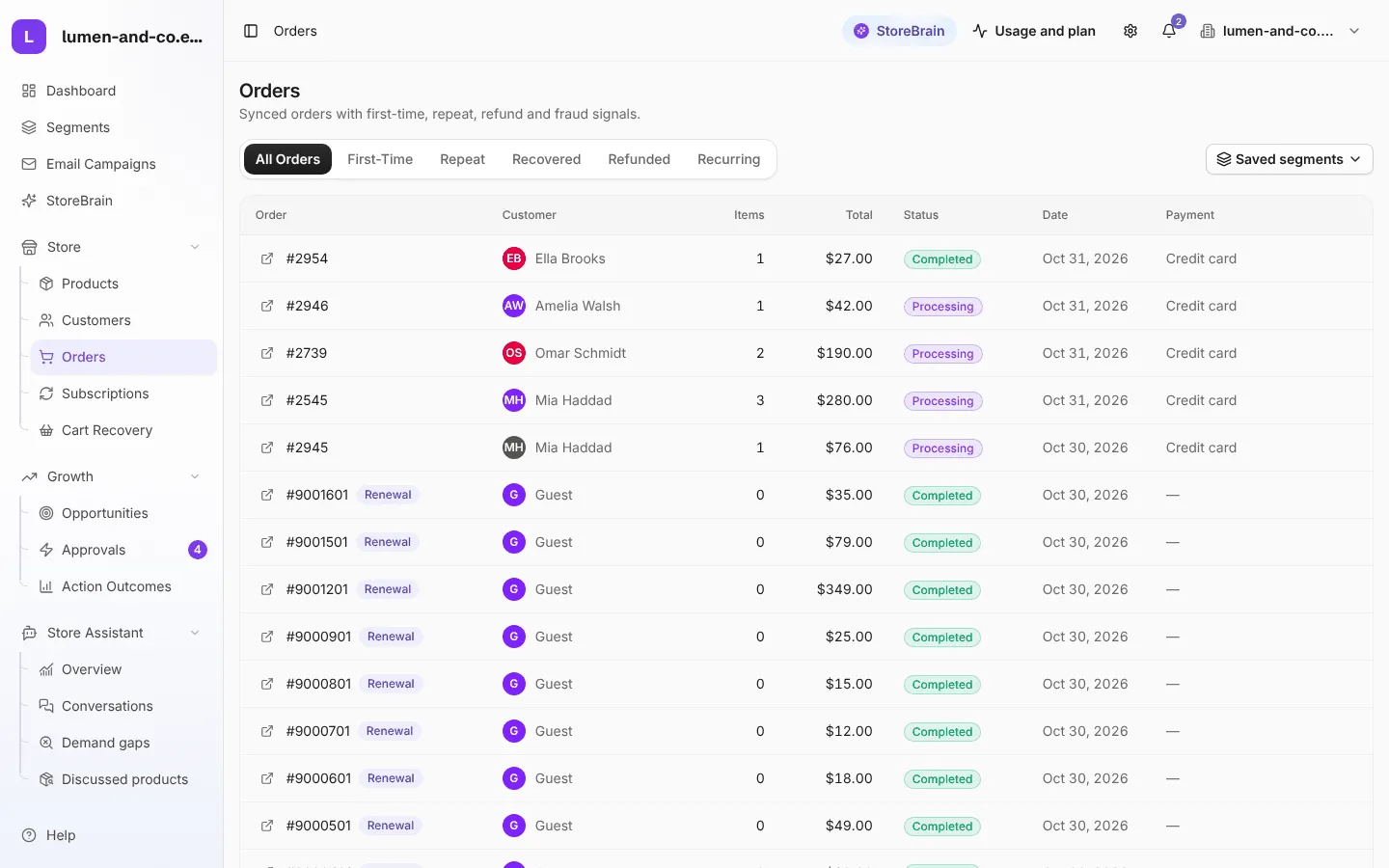
Store → Orders lists your synced orders with the customer, number of items, total, status, date and payment method.
Order views
Section titled “Order views”| Tab | Shows |
|---|---|
| All orders | Every synced order. |
| First-time | A customer’s first order. |
| Repeat | Orders from customers who have ordered before. |
| Recovered | Orders from customers who had an abandoned cart that was recovered. |
| Refunded | Orders with the status Refunded. |
| Recurring | Subscription orders and renewals (WooCommerce Subscriptions stores). |
The arrow icon on each row opens the order in your WooCommerce admin.
Order actions
Section titled “Order actions”The Order Care agent watches orders that need a human touch and can propose:
- a thank-you note for an important order,
- a delay notice when an order has been waiting too long,
- a retention coupon after a refund,
- flag for review for an order that looks unusual.
These proposals appear in Approvals like every other action.